 Installer crashes in storage editor in all Live environments except Workstation - Fedora Discussion
Workarounds
Don’t start the installer (or quit it if you started it already). Start terminal (Konsole in KDE) and edit a config file:
sudo nano /etc/anaconda/profile.d/fedora.conf
Find this part:
# The default browser for the Web UI.
webui_web_engine = slitherer
and change it to:
# The default browser for the Web UI.
webui_web_engine = firefox
Close the editor (Ctrl+X → Y → Enter), and run the installer, either from a desktop launcher, or from a terminal:
liveinst
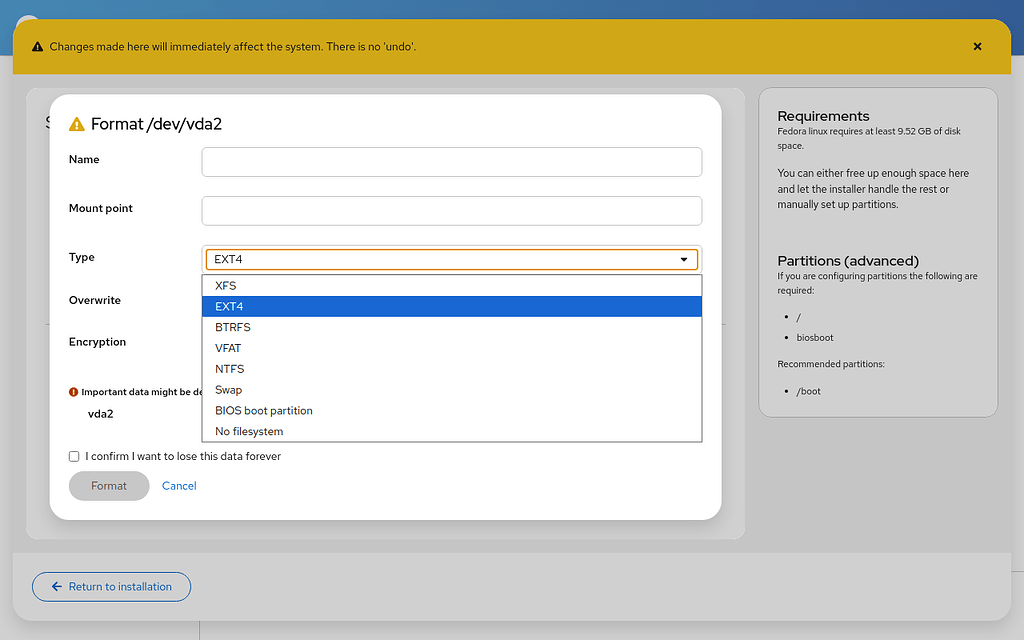
The installer should no longer crash when using drop-down lists.